



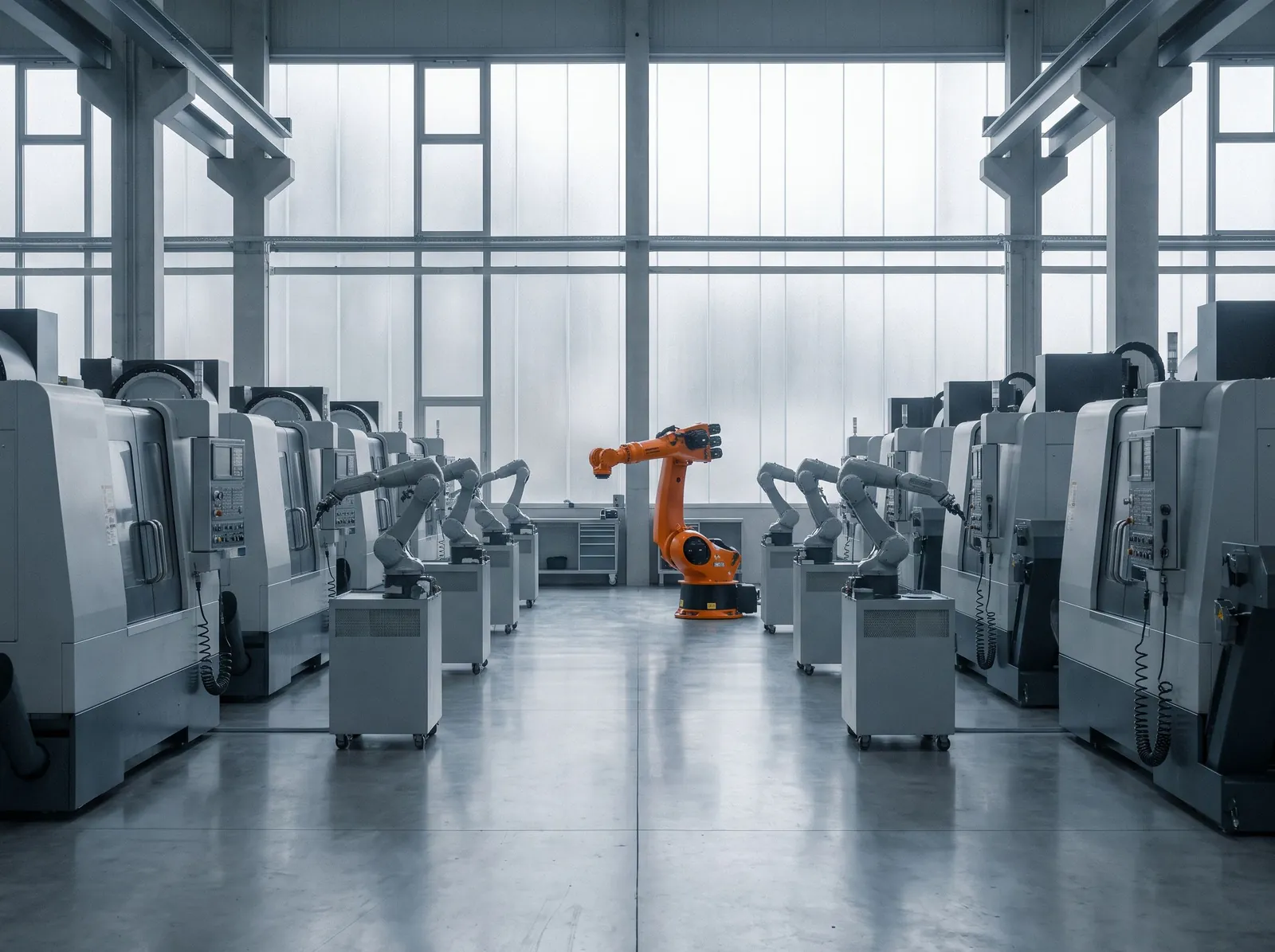




AI in manufacturing pays off most clearly in predictive maintenance: using sensor data and maintenance history to spot equipment that is drifting toward failure early enough to fix it on your schedule instead of the machine’s. In practice, a model watches signals such as vibration, temperature and motor current, compares them with what normal looks like for that asset, and raises an alert with the evidence when something changes. A planner decides what to do, and the work order lands in the CMMS like any other.
That sounds simple, and the modelling often is. The hard parts are data, integration with plant systems, and earning the trust of the maintenance team. This guide covers how predictive maintenance works, what you need to start, how to keep operational technology safe, and what a realistic rollout looks like for a mid-size Canadian manufacturer.
What is predictive maintenance, and how does AI help?
Maintenance strategies sit on a spectrum. AI fits at the far end of it.
| Strategy | When work happens | Strength | Weakness |
|---|---|---|---|
| Reactive | After a breakdown | No planning effort | Unplanned downtime, secondary damage, rush parts |
| Preventive | On a fixed schedule (hours, cycles, calendar) | Simple and predictable | Replaces healthy parts and still misses early failures |
| Condition-based | When a measured value crosses a set threshold | Uses real asset condition | Fixed thresholds miss gradual or combined changes |
| Predictive | When a model detects a developing fault | Earliest warning, fewer false alarms when tuned | Needs data, integration and ongoing tuning |
AI improves on simple thresholds in three ways. It learns what normal looks like for each machine under different loads, products and speeds, so a value that is fine at full load but odd at idle gets noticed. It combines signals, catching a fault that shows up as a small rise in temperature plus a change in vibration pattern, neither of which would cross a threshold on its own. And where enough failure history exists, it can estimate how much time is left before a component needs attention, which is what planners actually need to schedule work.
What data does AI predictive maintenance need?
Signals from the equipment
The most useful signals depend on the asset:
- Rotating equipment (motors, pumps, fans, gearboxes, compressors): vibration, bearing temperature, motor current.
- Hydraulic and pneumatic systems: pressure, flow, cycle times, leak indicators.
- Thermal processes (ovens, furnaces, extruders): zone temperatures, energy use, heat-up times.
- Production lines: cycle counts, speeds, stoppages, quality rejects, which often move before a mechanical fault becomes obvious.
Many plants already capture much of this through PLCs, drives and SCADA, often stored in a process historian. Check what you already have before buying sensors.
Maintenance history
Signals tell the model what happened. The CMMS tells it what that meant. Work orders with dates, asset IDs, failure codes and descriptions of what was found and fixed let you label past failures and test whether a model would have warned you in time.
This is usually the weakest link. Free-text work order notes, inconsistent failure codes and assets recorded under different names are common. Language models are good at cleaning this up: reading years of technician notes, classifying failure modes and linking records to the right asset, so the history becomes usable.
Context
Production schedules, product changeovers and ambient conditions explain many apparent anomalies. Bringing them in from the MES or ERP lets the model tell a changeover from a fault, which cuts false alarms.
Which systems does predictive maintenance connect to?
A typical architecture reads from operations and writes to business systems:
- Plant floor (read only): PLCs, drives and sensors, usually through SCADA, an OPC UA server or a historian such as AVEVA PI.
- Analytics platform: a Canadian cloud environment or on-site server where data is stored, models run and alerts are generated.
- CMMS or EAM (write): SAP PM, IBM Maximo, Fiix, eMaint or similar, where alerts become notifications or draft work orders for a planner to approve.
- ERP (read and write with approval): spare parts availability, purchase requisitions for long-lead parts.
- People: alerts in Teams, email or the CMMS mobile app, with charts showing why the alert fired.
The systems integration work between these layers is usually a bigger task than the model itself. If you are also connecting AI to your ERP for other workflows, our guide to connecting AI to CRM and ERP covers the patterns.
How do you keep operational technology safe?
Connecting plant equipment to anything new makes OT and security teams nervous, and they are right to be careful. A few rules make predictive maintenance safe to deploy.
- Read only from the plant floor. Data flows out of the control network to analytics, never back in. Some plants enforce this with one-way network devices.
- Respect network zones. Data leaves the control network through a demilitarized zone or historian rather than direct connections to controllers, in line with the zone and conduit approach of the IEC 62443 standards for industrial automation security.
- No control actions. The system recommends. Operators and planners decide. Nothing writes to PLCs, drives or safety systems.
- Least-privilege access and logging for every service account and every user of the analytics platform.
- Data stays in Canada by default, in your own cloud account, which matters when production data is commercially sensitive or covered by customer contracts.
If the system collects any data about workers, such as operator IDs on shift logs, privacy law applies, including Québec’s Law 25 for plants in Québec. Keep personal information out of the models unless there is a clear purpose and it has been assessed.
Where does generative AI fit on the plant floor?
Predictive models tell you something is wrong. Generative AI helps people fix it faster.
- Maintenance assistants. A technician asks why a pump is tripping, and the assistant answers from the OEM manual, your standard operating procedures and the asset’s work order history, citing each source. That shortens diagnosis, particularly on night shifts and for newer staff.
- Work order drafting. When an alert fires, an agent drafts the notification with the asset, symptoms, likely failure mode, suggested checks and parts, for a planner to approve in the CMMS. See how AI agents work inside business systems.
- Shift handover summaries. Logs, alarms and work orders from the last shift are summarized for the next one.
- Parts and inventory. Combined with forecasting and analytics, predicted maintenance needs feed spare parts planning, so the bearing is on the shelf before the planned stop.
A realistic rollout
| Phase | Weeks | What happens | Decision at the end |
|---|---|---|---|
| Discover | 1–2 | Pick one asset class with costly failures and some history, inventory signals and CMMS data, agree on what a useful alert looks like | Is the data good enough to start? |
| Prototype | 3–5 | Clean the maintenance history, build models on historical data, replay past failures to see if and when the model would have warned | Would it have caught real failures with tolerable false alarms? |
| Build | 6–11 | Connect to the historian and CMMS, alert routing, dashboards, security review with OT, run in shadow mode alongside the maintenance team | Do planners trust the alerts enough to act? |
| Launch and improve | 12+ | Live alerts on the first line, weekly review of every alert with maintenance, tuning, then extension to similar assets | Which asset class next? |
Choose the first asset class carefully. The best candidates are critical to throughput, fail often enough to have history, give warning before they fail (bearings, motors, pumps, gearboxes), and have a maintenance lead who wants the project to succeed.
Measure what the plant already tracks: unplanned downtime hours, mean time between failures, the share of maintenance work that is planned, and overtime or rush parts spend. Agree on the baseline up front. Our guide to measuring AI ROI explains how to set it.
Why predictive maintenance projects stall
The technology is mature. Projects stall for familiar reasons:
- Too many alerts. A model that flags something every shift gets muted within a month. Start with conservative thresholds, review every alert with maintenance, and tune before expanding.
- Alerts with no explanation. “Anomaly score 0.87” doesn’t tell a technician what to check. Show the signals that changed, compared with the asset’s normal range, and the likely failure mode.
- No path to action. If an alert lives in a separate dashboard instead of the CMMS, it doesn’t become work. Put it where planners already plan.
- Boiling the ocean. Instrumenting every machine before proving value on one line burns budget and goodwill. Prove it on a few assets, then scale what worked.
- No owner on the floor. The maintenance manager, not the data team, should own the outcome and decide which alerts are worth acting on.
Getting started
You don’t need a plant-wide digital program to start. You need one asset class, a few years of maintenance records, access to the signals you already collect and a maintenance team willing to review alerts for a few weeks.
We build predictive maintenance and maintenance assistants for Canadian manufacturers, integrated with historians, CMMS and ERP, hosted in Canada and designed with your OT team from the first week. To see what a first project could look like on your floor, try our free AI blueprint, or book a call with a senior engineer.